
KALIITS OCR
Less retyping. A clearer workflow.
Upload an invoice, compare the extracted data with the original, and leave with a reviewed spreadsheet.
Open workspace ↗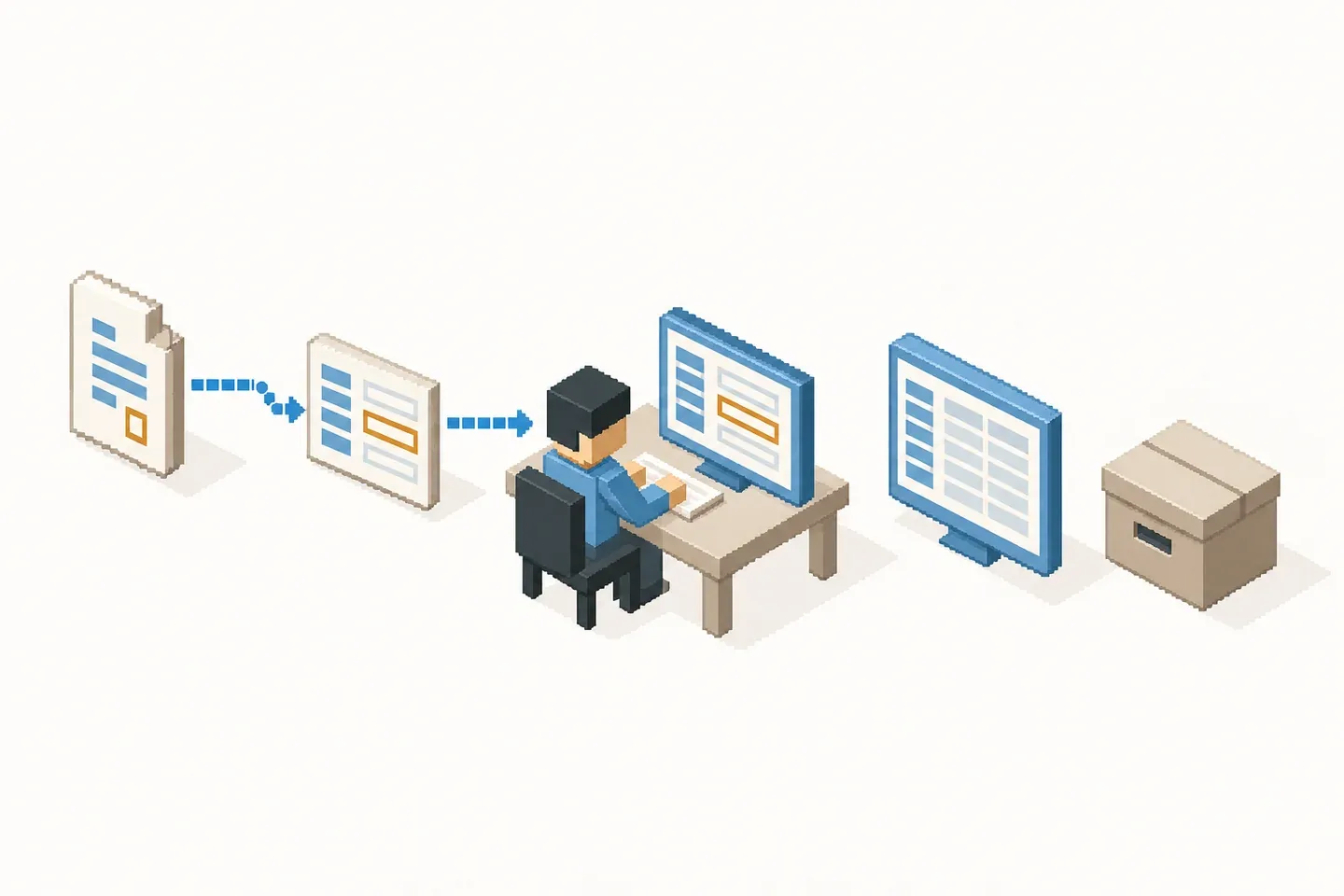
The work changes. You stay in control.
Upload, review and export. Your judgment stays in the workflow.
Drop in your invoices.
A PDF or a photo. Distinct references in a readable PDF can be separated into invoices.
Check what matters.
The original and data side by side. Correct a field, complete a row, check the totals.
Leave with your Excel.
Amounts are numbers. Identifiers keep their zeros. Line items have their own sheet.
Review the proposal before you use it
Check supplier and customer separately. Verify the invoice reference, date, currency, every line and the totals. Missing or uncertain values need review. OCR does not guarantee correct accounting entries.